Quickstart Guide
Setup repository
- On GitHub.com, navigate to the main page of the repository.
- Above the file list, click Use this template.
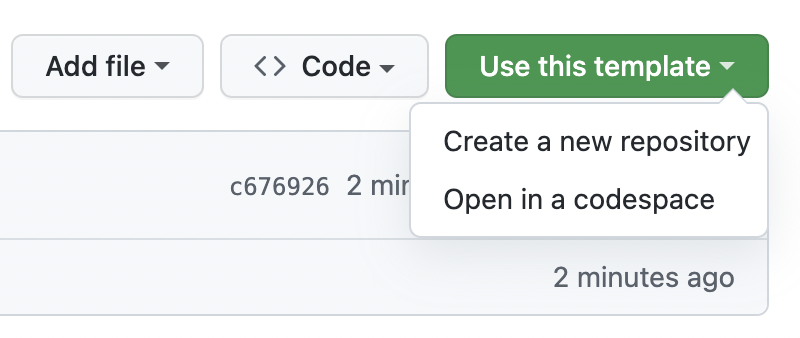
- Type a name for your repository, and an optional description, choose owner, repository visibility, etc.
- Edit book.toml: change
authors,git-repository-urlandtitlefields. - Commit&Push your changes.
- Setup GitHub pages for your repository (quickstart guide can be found below).

- Enjoy! :)
How to add new page to your book
- Add new .md file to
srcfolder, e.g01_example.md - Add new item to the list in
SUMMARY.md, e.g- [Example Page](./01_example.md) - Commit&Push your changes and enjoy the result :)
Useful links:
Example page
Text:
Hello, World!
Code:
print("Hello, World!")
Link:
Image: